Motion Detection with Amcrest Part 2: Sending a Photo through Automation
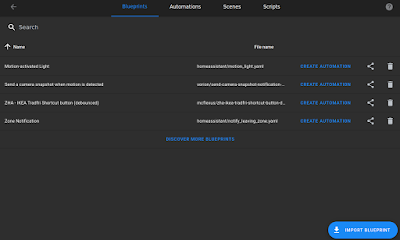
I managed to set up motion detection previously. Currently, there's a live feed of the camera on Home Assistant, as well as my Synology NAS. My NAS also saves 10 seconds around the motion event trigger - if I get a home assistant motion detection alert on my phone (or on my watch through my phone), I can boot up a connection on my NAS, browse over to security feed, look at the timeline...but that's time. If I'm asleep in bed, it's kind of crazy to boot up your computer just for that. There were different solutions for this - the Amcrest app or Home Assistant solutions through Node Red and/or automations. I want to keep solutions in-house as much as possible, so that left Node Red and automations. You will need to have the home assistant app installed on your phone. I hit a roadblock fairly early and often...how do I identify the picture taken, where is it stored, and how to send it. This solution came up as I was looking at blueprints for something else. Honestly, it w...
